
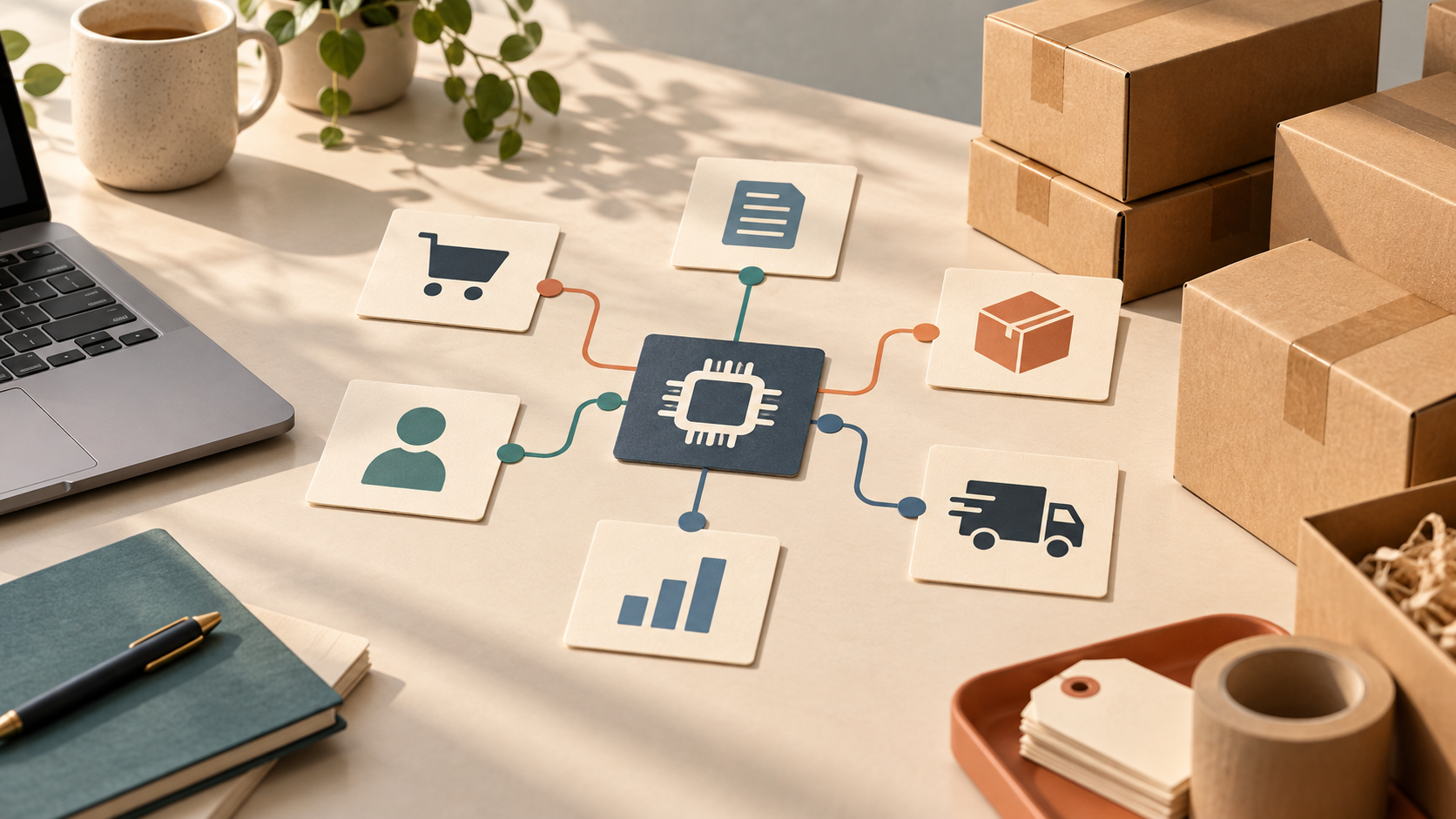
Every ecommerce business falls into one of three stages: launching a new store, migrating from an existing platform, or scaling operations that have outgrown their current setup. AI-native platforms like Runner AI are designed to support all three use cases with different strengths at each stage. This guide walks through what each path looks like and how to choose the right approach for your situation. See how the Ecommerce Automation handles this at scale.
Use Case 1: Launching a New Store
Who this is for
- First-time ecommerce entrepreneurs
- Established businesses adding an online channel
- Side projects testing product-market fit
- Creators and brands launching direct-to-consumer
The traditional launch challenge
Launching an online store traditionally requires:
- Choosing and configuring a platform ($39–$399/month)
- Selecting and customizing a theme ($0–$350)
- Installing and configuring apps ($100–$500/month)
- Learning multiple tools and dashboards
- Waiting weeks to months before going live
How AI changes the launch experience
With an AI-native platform, launching looks different:
- Describe your store: Tell the AI about your products, brand, and target audience in natural language.
- AI builds the foundation: The platform generates your storefront, product pages, checkout, and backend configuration automatically.
- Add your products: Import products via CSV, connect to suppliers, or add them manually.
- Review and refine: Adjust the AI-generated design through conversation rather than code.
- Go live: Launch in hours or days instead of weeks.
What you get on day one
| Feature | Traditional Platform | AI-Native Platform |
|---|---|---|
| Professional design | Theme + customization (weeks) | AI-generated (minutes) |
| SEO setup | Manual + apps | Automatic |
| Email marketing | Separate app | Built-in |
| Analytics | Basic + apps | AI-powered |
| Conversion optimization | Manual + expensive tools | Automatic |
For a step-by-step launch guide, see our post on launching a store in 10 minutes.
Use Case 2: Replatforming from Legacy Systems
Who this is for
- Shopify stores drowning in app fees
- WooCommerce sites struggling with hosting and maintenance
- Magento stores facing expensive upgrades
- Any store where platform management consumes more time than growth
Common replatforming triggers
- Cost escalation: Total platform + app costs exceeding budget
- Integration fatigue: Too many disconnected tools
- Performance issues: Slow page loads affecting conversions
- Feature gaps: Needed capabilities requiring expensive custom development
- Maintenance burden: Updates, patches, and troubleshooting consuming too much time
The replatforming process
| Week | Activities |
|---|---|
| Week 1 | Data export and new store setup |
| Week 2 | Product import, design review, feature configuration |
| Week 3 | Testing, soft launch with select customers |
| Week 4 | Domain switch, full transition, monitoring |
What changes after replatforming
- Fewer tools: Replace 15–30 apps with native features. See our app replacement guide.
- Lower costs: Eliminate app subscriptions and reduce total platform spend.
- Better performance: Faster page loads without third-party script bloat. See our performance guide.
- Less maintenance: Automatic updates and AI-powered optimization.
For a detailed migration walkthrough, see our Shopify migration guide.
Use Case 3: Scaling Existing Operations
Who this is for
- Stores exceeding $50K/month in revenue
- Businesses expanding to new markets or channels
- Teams that need to do more without hiring more people
- Brands preparing for seasonal traffic spikes
Common scaling challenges
- Operational bottlenecks: Manual processes that worked at low volume break at scale
- Hiring constraints: Need more capabilities but cannot afford more staff
- Data complexity: More products, customers, and channels mean more data to manage
- Consistency: Maintaining quality as volume increases
How AI supports scaling
AI-native platforms scale with your business by automating the work that traditionally requires additional headcount:
Marketing at scale
- AI generates ad creatives and copy for multiple products and channels simultaneously
- Campaign optimization runs continuously without manual intervention
- See our guide on AI marketing automation
Operations at scale
- Inventory management with automated reorder points and demand forecasting
- Order processing and fulfillment automation
- Returns and exchanges handled with consistent policies
- See our guide on order and workflow automation
Optimization at scale
- Conversion optimization runs thousands of tests across your entire site
- SEO automation covers every product and category page
- Analytics surface insights from increasingly complex data
- See our guide on AI CRO
Customer experience at scale
- Personalization adapts to individual customer behavior
- Support automation handles common inquiries
- Loyalty programs run without manual management
Choosing the Right Path
Decision framework
| If you are… | Start with… |
|---|---|
| Brand new to ecommerce | Launch path — get live fast, optimize later |
| Frustrated with current platform | Replatform path — migrate and consolidate |
| Growing but hitting limits | Scale path — automate and expand |
| Exploring options | Launch a test store to evaluate before committing |
Common concerns addressed
“I’m not technical enough to switch platforms.” AI-native platforms are designed to be managed through conversation, not code. If you can describe what you want, the AI can build it.
“Migration sounds risky.” With proper planning, migration risk is low. The key is data export, parallel operation during transition, and proper redirect setup.
“I don’t have time for a big project.” AI dramatically reduces the time required for all three paths. Launching takes hours, not months. Migration takes weeks, not quarters. Scaling happens automatically, not through hiring.
To explore Runner AI for your use case, visit runnerai.com.
Frequently Asked Questions
Can I start with a launch and scale later on the same platform?
Yes. AI-native platforms are designed to grow with you. The same platform that helps you launch a simple store supports scaling to high-volume operations without migration.
How long does replatforming typically take?
Most stores complete replatforming in 2–4 weeks. Complex stores with extensive customizations may take longer. The key is thorough data export and testing before switching.
What is the biggest risk when scaling?
The biggest scaling risk is operational bottlenecks — manual processes that break at higher volume. AI automation addresses this by handling repetitive tasks that would otherwise require additional staff.
Do I need to replatform to scale?
Not necessarily. If your current platform supports your growth needs, focus on optimizing within it. Replatforming makes sense when the platform itself is the bottleneck.
How does Runner AI pricing work for different business sizes?
Runner AI offers plans that scale with your business. Visit runnerai.com/pricing for current pricing details.