
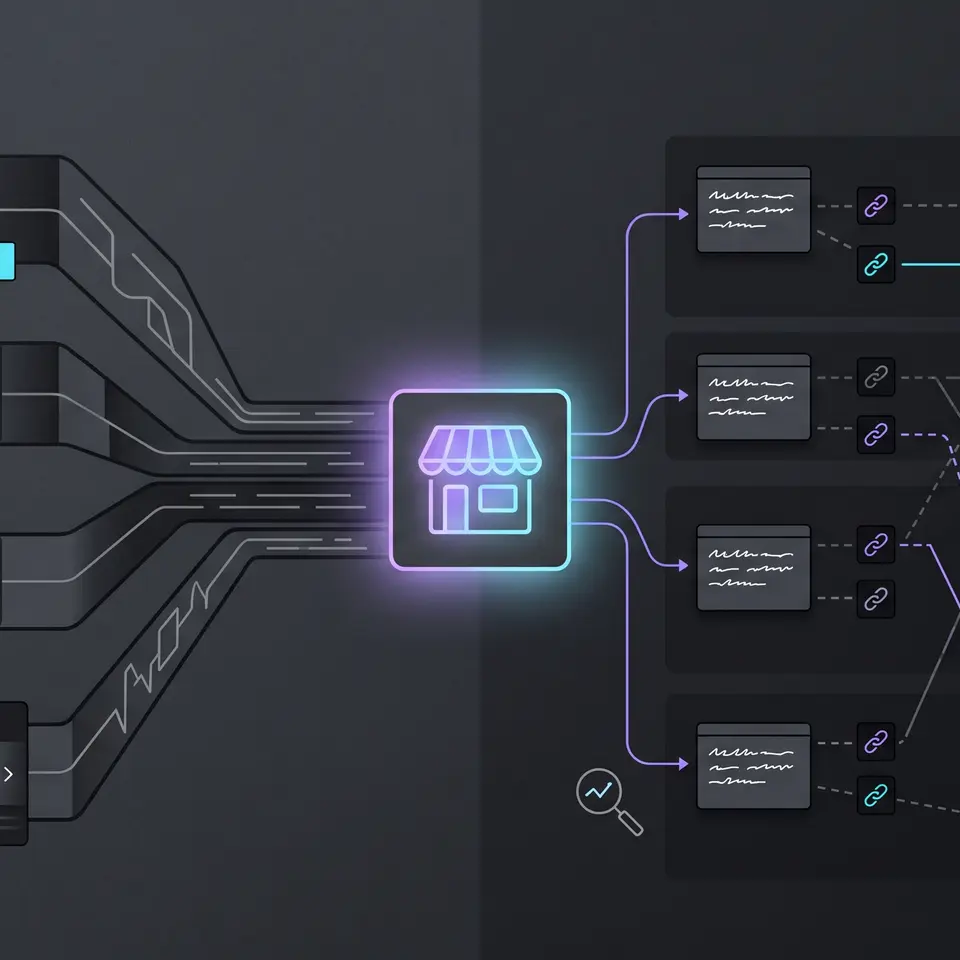
An AI visibility tracking tool shows whether AI-generated answers mention an ecommerce brand, which questions surface it, and which public sources support those answers. Runner AI connects that review to a published storefront: provide the detected domain, relevant competitors, market and language, then inspect saved prompts, mentions, citations, and comparison evidence before deciding what to improve.
What an AI visibility tracking tool should make reviewable
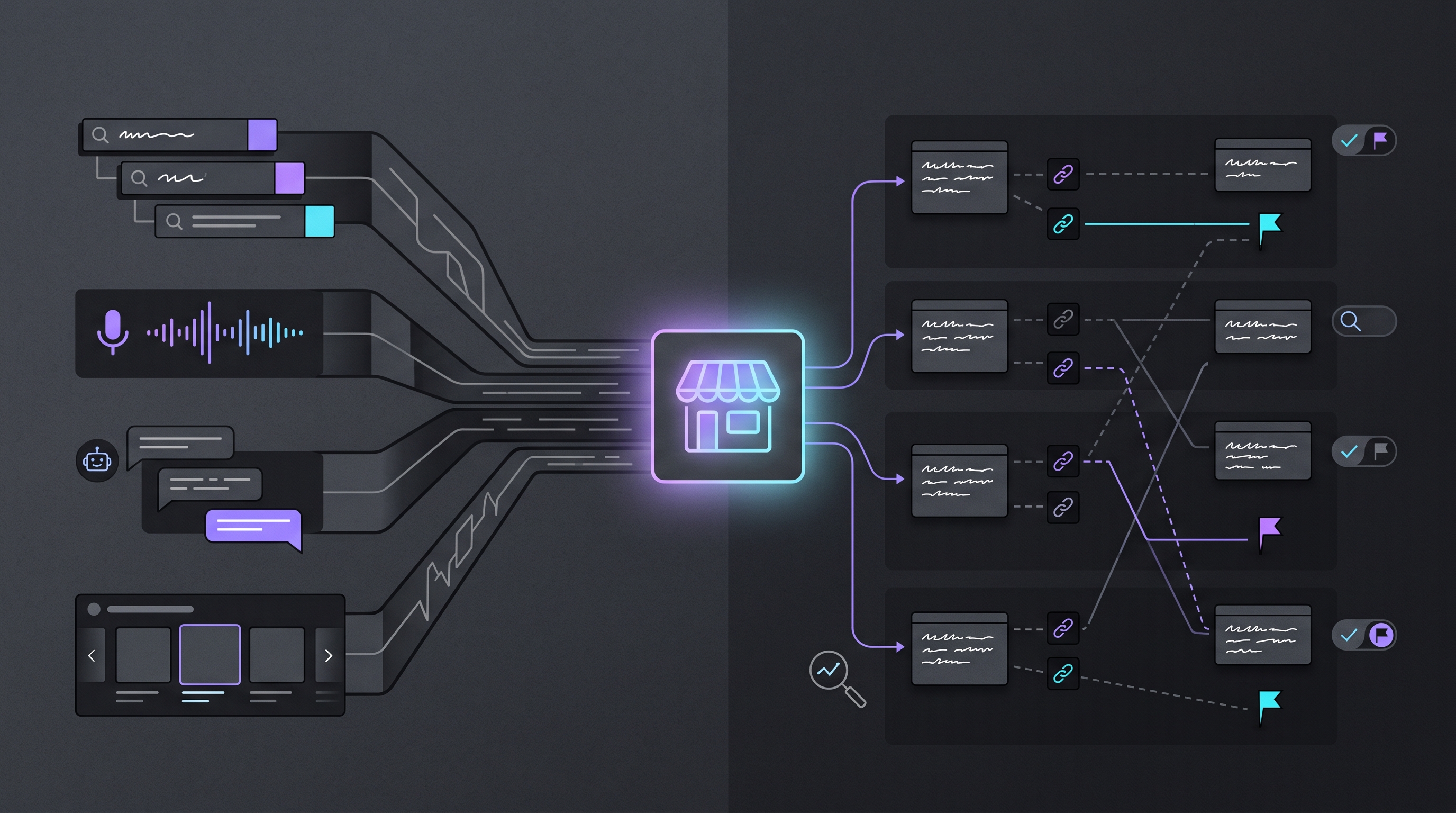
AI visibility is not a conventional keyword position. An answer can name a brand without linking to it, cite a page without recommending its products, or change when the prompt, model, location, language, or use of web search changes. A useful review therefore keeps the question and returned evidence together. It should show what was asked, which available model answered, whether the tracked brand appeared, and which sources were cited instead of reducing the result to an unexplained score.
Runner AI organizes that evidence inside a store project’s SEO workspace. The AI Visibility area separates an overview from Prompts, Keywords, Citations, and Mentions. The overview can preserve a completed Brand Lookup snapshot, while the detail views let an operator inspect the questions and sources behind the available result. That separation helps a team distinguish a broad comparison from a specific answer that needs closer review.
Treat every snapshot as bounded evidence. A completed result describes the prompts, models, and public data available for that run; it does not represent every possible AI answer or guarantee future visibility. The AI ecommerce SEO and GEO workflow covers adjacent search work, while this page owns the narrower evaluation question: how Runner makes AI-answer visibility inspectable for a real storefront.
Start AI visibility tracking from a published storefront
Runner begins with the public storefront domain detected for the current store project. Before starting a lookup, confirm that the storefront is published and that the detected domain is the target you intend to review. Add only relevant competitor domains, because an unrelated comparison set can make share-of-voice evidence look precise while answering the wrong business question. Location and language also belong to the input, not to an assumption hidden after the run.
The setup flow previews starter questions before it submits anything. Those examples help frame the kinds of shopper questions the workspace can examine, but previewing a question is not the same as running it. Finishing setup submits the storefront and competitor choices and starts Brand Lookup. While that lookup is pending, wait for the completed state rather than creating overlapping snapshots that are difficult to compare.
This store-project boundary is the main Runner differentiator. Generic trackers often begin with an isolated brand field or a blank reporting project. Runner keeps the detected storefront, saved visibility evidence, and the next Runner conversation in the same product context. It still requires careful input: publication, provider access, plan, and sufficient public data can affect availability, and completing setup does not create a mention or improve a result by itself.
Compare prompts, mentions, citations, and competitors
Start with the overview, then move from the aggregate back to the evidence. Mentions show where the tracked brand was detected in the available records. Share of voice compares the selected brands within that dataset, not across the entire internet. Queries reveal the questions associated with the result, and cited sources identify public pages referenced by available answers. Read those signals together before deciding that a missing mention or competitor lead represents a durable pattern.
Prompt Explorer supports a narrower test. Enter one focused shopper question, select at least one available model, decide whether web search matches the question, and choose the brand to highlight. Runner can request answers from supported options such as ChatGPT, Claude, Gemini, and Perplexity when they are available. The saved result lets a reviewer compare the returned answer, brand-mention state, citations, and related queries without treating one generated response as a stable ranking.
The Keywords, Citations, and Mentions views preserve different evidence classes. A keyword is a term associated with the saved visibility data. A citation is a source referenced in an available answer. A mention is an answer or record where the brand was detected; it is not a social-media mention. Keeping those meanings separate prevents a linked source, an unlinked brand name, and a shopper query from being counted as the same signal.
Turn saved evidence into a reviewable next step
Tracking is useful when it narrows the next question. If a competitor appears for a relevant prompt and the tracked storefront does not, inspect the exact answer and cited sources first. Determine whether the gap concerns missing product information, unclear comparison content, weak public evidence, or a question the store should not try to own. Do not infer a content task from an aggregate alone, and do not copy a cited competitor’s claims or structure.
Runner can open an evidence-grounded conversation from the saved AI visibility result. Actions such as asking Runner to address the finding or inspect citation gaps carry the saved evidence into a new conversation. That handoff creates a proposal for review; it does not edit or publish the storefront by itself. The operator can challenge the diagnosis, add verified catalog or brand facts, reduce the scope, and inspect any resulting storefront work before approving a change.
This is where the workflow differs from a disconnected reporting dashboard. The same product can hold the storefront context, the visibility snapshot, and the review conversation without pretending that measurement proves a remedy. For broader campaign and content work, AI marketing tools for ecommerce teams explains how Runner keeps supplied store facts and human approval connected across marketing tasks.
When visibility evidence points to a missing public explanation rather than a technical defect, ecommerce content marketing provides the adjacent workflow for shaping reviewable storefront content from verified catalog facts.
Evaluate the tool without overreading the data
When comparing AI visibility tools, ask which inputs are explicit, which engines are available, whether complete answers and citations remain inspectable, and whether competitor comparisons can be traced to the prompts that produced them. Also check how the tool represents failed providers, no-mention results, and insufficient data. An empty or partial state should not be converted into a flattering score or a claim that the brand is invisible everywhere.
Runner’s current workflow makes those boundaries visible. Brand Lookup can remain pending, complete with no mentions, fail, or report provider or data limitations. Prompt Explorer can return separate model outcomes. Web-search-on and web-search-off runs answer different questions. A responsible reviewer records the target, competitor set, locale, prompt, model selection, and run state before comparing snapshots or assigning work.
Use the result as decision support, not as a promise of rankings, traffic, citations, or revenue. AI answers can vary, provider availability can change, and the public storefront remains the source that customers and answer engines encounter. Recheck important findings, verify proposed changes against authoritative store data, and keep publication separate from analysis. Browse the Runner AI feature catalog when the evidence belongs to a different marketing, storefront, conversion, or commerce workflow.
Review my published storefront’s AI visibility for the domain, competitor domains, market, language, and shopper prompts I provide. Return a saved, reviewable report that separates model answers, brand mentions, keywords, citations, and source URLs, then identify evidence gaps without editing or publishing the storefront.
Open the AI visibility review in Runner AI
AI visibility tracking tool FAQ
What inputs does Runner need for AI visibility tracking?
Runner needs an eligible published storefront with the intended public domain, relevant competitor domains, and the location and language for the Brand Lookup. For Prompt Explorer, provide one focused shopper question, at least one available model, a highlighted brand when useful, and a decision about web search. Confirm the detected storefront before running the review.
What does the AI visibility report include?
The available result can include a saved Brand Lookup overview plus Prompts, Keywords, Citations, and Mentions views. Reviewers can inspect brand-mention evidence, selected competitor comparisons, associated questions, cited public sources, and model answers returned by Prompt Explorer. Exact availability depends on the workspace, plan, provider, published target, and sufficient public data.
Does a missing mention mean AI systems never recommend the store?
No. A missing mention describes the prompts, models, settings, and available responses in that run. It does not prove that every model, shopper question, location, language, or future answer omits the brand. Review the exact questions and sources, repeat important checks under comparable settings, and avoid turning one sample into a universal claim.
Can Runner automatically fix an AI visibility gap?
Runner can open a conversation grounded in the saved visibility evidence and prepare a focused proposal, but the evidence does not authorize an automatic storefront change. Add verified product and brand facts, inspect the proposed scope, review any changed content or files, and keep saving and publication as separate decisions owned by an authorized operator.