
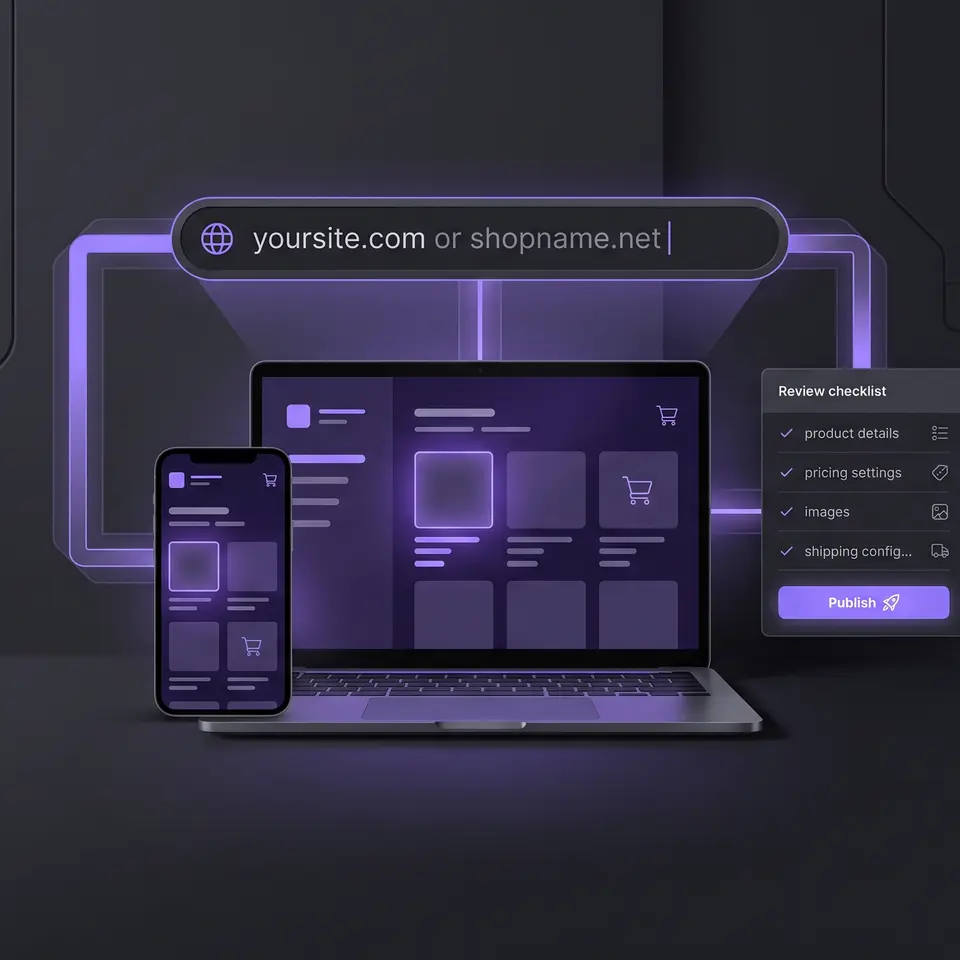
The best ecommerce hosting should support the whole store journey, not only keep files online. Runner AI turns your catalog, brand direction, customer path, and domain requirements into a reviewable storefront, responsive previews, a published Runner address, and visible domain setup status. You can inspect each stage before the store reaches customers.
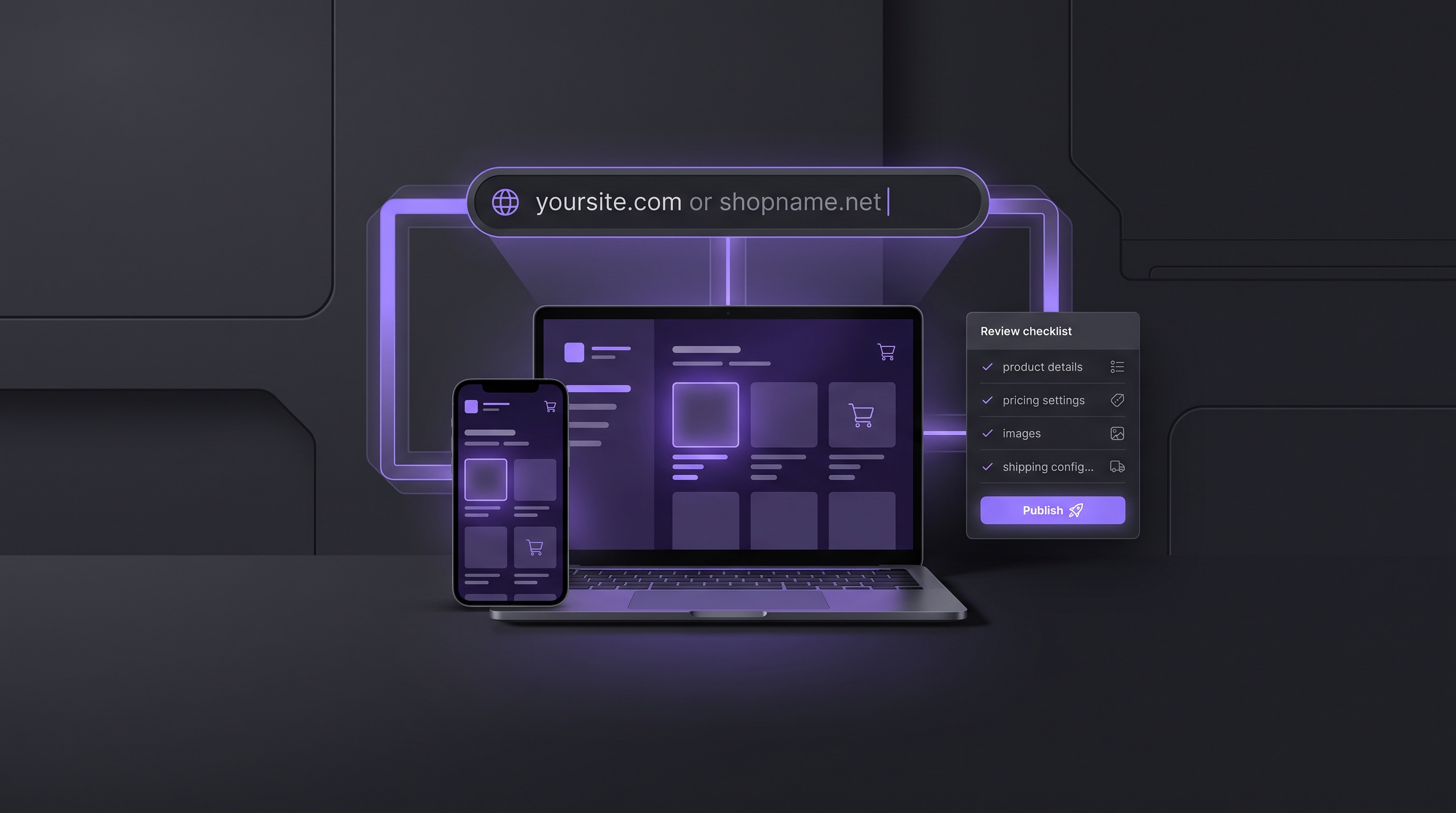
Evaluate best ecommerce hosting by the work it keeps together
Hosting comparisons often begin with infrastructure terms, then treat the store builder, catalog, checkout, domain, and publishing workflow as separate purchases. That split can be useful for a technical team that wants to assemble and operate every layer. It can also create more handoffs for a merchant whose real goal is to launch a storefront, confirm that products and navigation are correct, and keep improving the customer experience after release.
Runner AI offers a different evaluation boundary. Start with the store outcome and the context required to build it: products, collections, prices, variants, images, brand references, desired pages, and the customer path from discovery to checkout. Runner can prepare storefront files from that brief and show the result in responsive previews. The generated work remains open to review and revision instead of turning the first prompt into an automatic release.
This is the practical distinction between hosting as rented server capacity and hosting as part of an operating product. The cloud-based ecommerce platform workflow explains how Runner keeps generated storefront work connected to catalog and backend boundaries. The all-in-one ecommerce workspace shows the broader value of keeping store-building and operating tasks close together, while the ecommerce platform for small business focuses on a manageable workflow for lean teams. These approaches do not remove the need to test the final customer journey, but they help reduce the gaps between a brief, a build, and a public store.
Build and inspect the storefront before publishing
Begin with a bounded request rather than a promise to build an entire business in one step. Provide verified product and collection information, the audience, brand direction, and the pages that matter first. A useful first scope might include the homepage, collection navigation, one product detail page, and the expected path into cart and checkout. If a requirement is unknown, identify it for review instead of asking Runner to invent a product fact or fulfillment rule.
Runner creates or revises storefront source from the brief. Review the changed files and inspect desktop, tablet, and mobile previews for layout, hierarchy, navigation, product accuracy, and clear calls to action. Ask for focused changes when the proposal does not match the brand or customer path. This review loop is part of the hosting decision because a managed platform should make the store maintainable after the first launch, not only provide a place for the initial version to run.
Publishing remains a separate action. A successful preview does not prove that the public route, checkout, analytics, integrations, or domain configuration are ready. Confirm product data, pricing, variants, inventory, cart behavior, payment setup, legal content, and operational ownership before release. After publishing, open the live Runner URL and test the storefront as a customer would. This keeps the reviewable output concrete: storefront files, responsive previews, publication status, and a public route that can be checked directly.
Move from a Runner address to a custom domain
A newly published Runner store can use its Runner-provided public address. That gives the operator a working route to verify before introducing DNS or domain ownership as another variable. Once the storefront works at that address, eligible projects can open Domain Settings to connect an existing domain, search for an available domain to buy, or manage a supported transfer or renewal. Custom-domain access depends on the plan, project state, role, and current domain eligibility.
For a domain you already own, enter the address and review the records Runner displays. Where supported, Runner can offer a Cloudflare authorization path; otherwise, use the exact manual DNS records shown in Domain Settings. An accepted domain is not yet a connected domain. Runner separately checks routing records and domain ownership, and the interface keeps the pending or connected status visible so the operator can see which step remains.
For a new domain, search with a brand name, keyword, or explicit domain. Runner shows available results with the displayed annual price and starts the purchase flow only after you choose one. Contact details and external payment follow as separate steps, so review them before completing a charge. Whether you connect or buy, verify the public storefront, product page, cart, and checkout again on the final address. Domain status proves the address connection, not the entire customer journey.
Use a hosting checklist that matches ecommerce risk
The best ecommerce hosting choice depends on what your team is prepared to operate. A traditional host may expose storage, bandwidth, server software, backups, and deployment controls while leaving the commerce application to you. A managed commerce platform can reduce infrastructure work but define more of the storefront and checkout model. Runner is designed for merchants who want store context, generated storefront work, previews, publishing, and domain controls in one reviewable product workflow.
Evaluate that workflow with evidence you can inspect. Confirm which catalog and checkout system owns product, price, inventory, order, and payment truth. Check how storefront changes are proposed and reviewed, whether responsive behavior is visible before release, and who can publish. Verify the live route before connecting a domain. For an owned domain, inspect the exact DNS and ownership checks; for a purchase, review availability, price, contact details, and payment before proceeding.
Do not turn a feature-page comparison into an uptime or performance guarantee. Actual storefront behavior depends on the page implementation, media, integrations, customer location, traffic, and connected services. Test the public experience that your customers will use, and keep a recovery path for failed publication or domain setup. Explore all Runner AI features when your next review concerns catalog operations, marketing, conversion work, or another part of the store beyond hosting.
Best Ecommerce Hosting FAQ
Does Runner AI include hosting for a storefront?
Runner AI publishes a Runner storefront to a public Runner-provided address, which you can open and test after publication. Hosting is part of that storefront workflow rather than a separate server panel. Publication eligibility and available capabilities depend on the project and plan. Confirm the live product, cart, checkout, and connected services instead of treating a successful publish status as complete customer-journey proof.
Can I connect a domain I already own?
Yes, an eligible published project can add an owned domain and follow the setup shown in Domain Settings. Runner may offer supported Cloudflare authorization or display manual DNS records. The domain remains pending until routing and ownership checks pass. You need permission to change records at the DNS provider, and you should test the storefront and checkout again after the custom address connects.
Can I buy a domain through Runner AI?
Domain Settings can search available domains and show a price for eligible results. Selecting a domain opens contact-information and external payment steps; it does not complete a purchase immediately. Review the domain spelling, displayed price, registrant information, renewal implications, and payment details before continuing. Availability and purchase status can change, so use the current interface as the source of truth.
What should I review before publishing an ecommerce store?
Review the generated storefront files and responsive previews, then verify product names, images, prices, variants, availability, navigation, accessibility, legal content, analytics, cart behavior, and checkout configuration. After publishing, use the public address to test the actual journey. If you later connect a custom domain, repeat the public checks on that address rather than assuming the DNS status validates the store.
Build a hosted ecommerce storefront from my verified catalog, product images, brand direction, customer path, and preferred domain terms. Return the changed storefront files, desktop and mobile previews, publication checklist, public Runner URL, and domain availability or DNS status for my review before any release or purchase.